What you get
- Sign-in by one-tap link, no password unless they want one
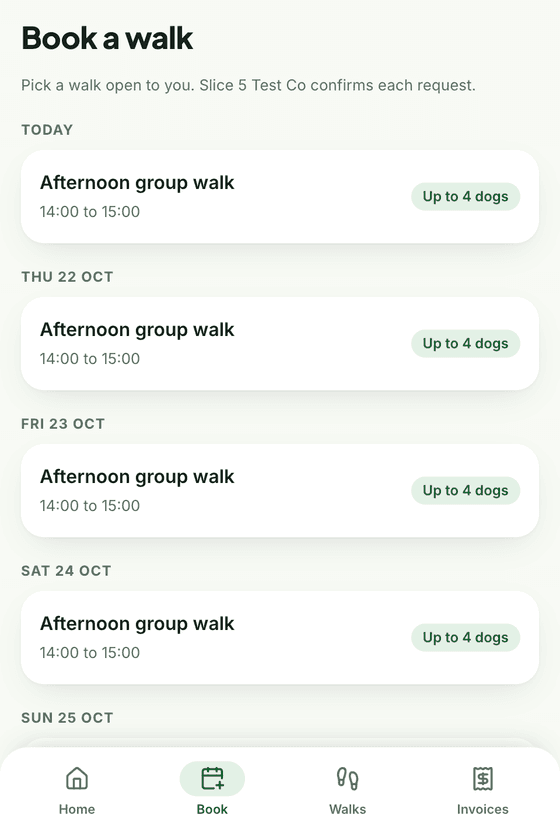
- Request a walk into any slot that is open to them
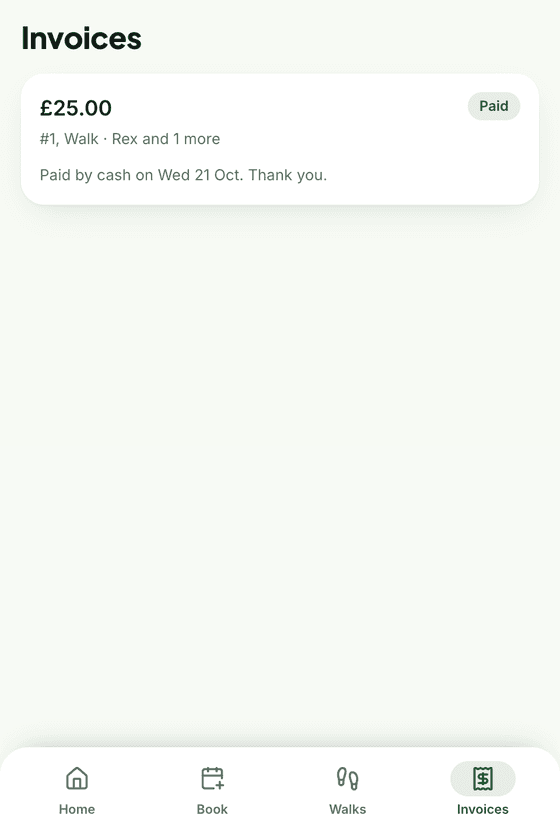
- Pay by card from the invoice, or see your bank details
- Their own details and their dog's vet and medical notes, kept up to date by them
- An onboarding checklist so new clients finish setting up
- Notification preferences per event: email, text, both or off
Why owners open it
Because it is where the photos are. The portal home shows the latest walk report, the next booking and anything to pay, in that order. An inbox keeps every message, report and invoice you have sent them, and a Message button starts a conversation with you.
Less typing for you
Clients keep their own address, phone number and emergency contact current, and fill in their dog's vet, medical notes and allergies. The onboarding checklist shows both of you what is still missing, and either side can tick things off.
Their inbox, your peace of mind
Every notification you send also lands in the portal inbox, and you can see when it has been opened. If an owner says they never got the invoice, you can see that they did, and when.