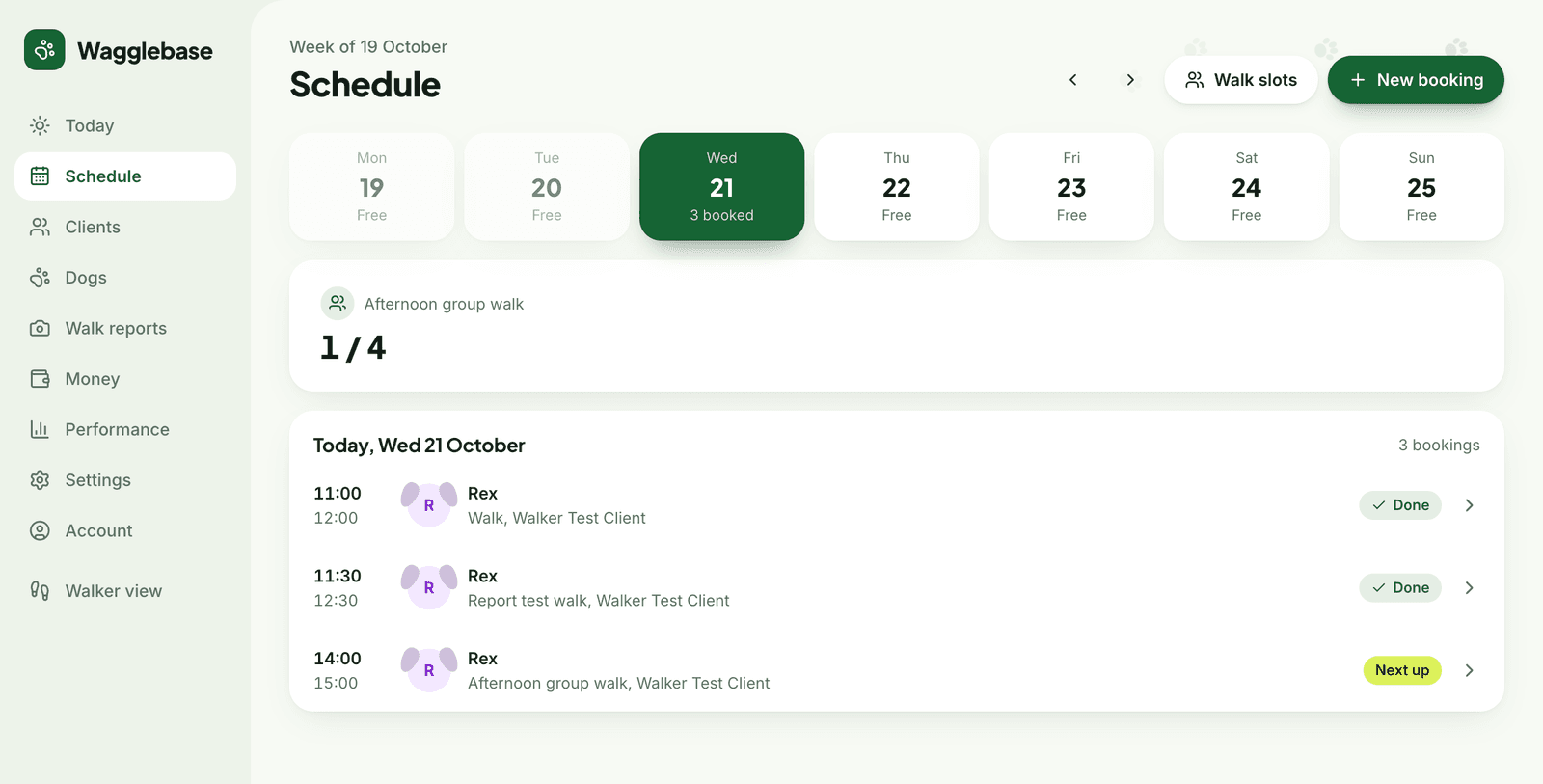
What you get
- Capacity enforced, so a slot can never be overbooked
- Book into a slot or set a custom time, repeating weekly if you like
- Open a slot to everyone, to certain rounds, or to chosen clients
- Cancel one walk or every following one in a series
- Assign walks to a walker and filter the week by walker
- Closed days take the affected walks out and tell the clients
Slots, not a blank calendar
A dog walking business is not a diary of one-off appointments. It is the same rounds, week after week, with places that fill and empty. Wagglebase models that: a slot has a time, a capacity in dogs and a list of who it is open to. The week strip shows how full each one is before you open it.
Changes that tell everyone
Move a walk, cancel one, cancel the rest of a series, or close a day for a holiday: the clients involved get a message through the channel they chose, and their portal shows the new state. You decide what happens, Wagglebase does the telling.
Room for a team
Each walk can be assigned to a walker. The schedule shows a coloured dot per walker, filters the week to one person, and the walker sees only their own round on their phone. Suspend a walker and their future walks come back to you to reassign.