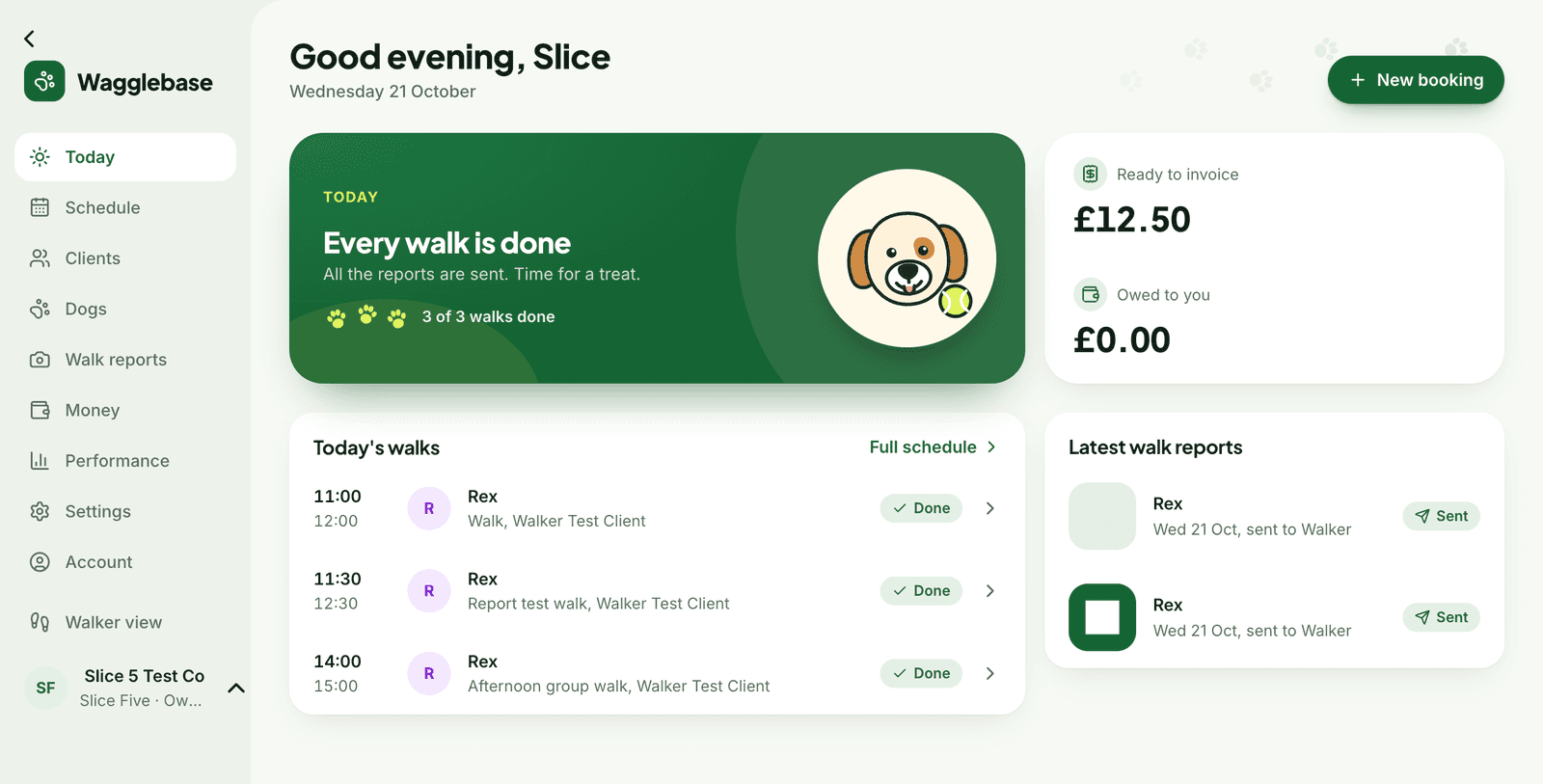
What you get
- The next walk at the top, with each dog's handling notes
- Requests from clients, with Approve and Decline in one tap
- Ready to invoice and owed to you, always in view
- Overdue invoices and photos about to expire flagged under Needs attention
- A thank-you banner when a client sends a tip
Built around the next hour
Most of a walker's day is one question asked over and over: what is next? Today answers it. The next walk card shows the time, the dogs, their owners' notes (pulls on the lead, nervous of bikes, no treats) and a Start walk button that opens the walker view. Below it, the rest of the day in order.
Requests, approved in a tap
When a client requests a walk from their portal it lands under Requests. Approve books it and tells them. Decline asks you for a short reason and tells them that too, through the channel they chose. Nothing to type, nothing to remember to send.
The money, without opening Money
Finished walks that are not yet invoiced, invoices waiting on clients and anything overdue sit on Today as well, so a slow payer is noticed on Monday rather than at the end of the month. Each number opens the list behind it.